
Video tutorials
Learn MarkZone apps step by step
Short tutorials for every screen, each with written steps under the video. Made for our customers, and for anyone who wants to see the app before buying. Videos are narrated in Arabic.
OxPOS video tutorials
Retail management, step by step: selling at the counter, products and stock, purchases, staff, branches and reports.
OxPOS: 1,500 AED including the first year, then 500 AED/year
Getting started
-
Lesson 1
OxPOS Tour: Dashboard and POS Sales Screen
Start here: a video tour of the OxPOS dashboard and point-of-sale screen, from reading your sales figures to scanning your first barcode.
-
Lesson 2
OxPOS Setup from Scratch: Company, VAT and Invoices
Video tutorial: set up OxPOS before you start selling, including company details, VAT, invoice and receipt templates, payment methods and backups.
Selling at the counter
-
Lesson 3
OxPOS Cashier Screen: Shifts, Sales and VAT Invoice
Video tutorial: open a shift in OxPOS, scan barcodes, park sales, take split payments and print a 5% VAT invoice with a QR code.
Products & stock
-
Lesson 4
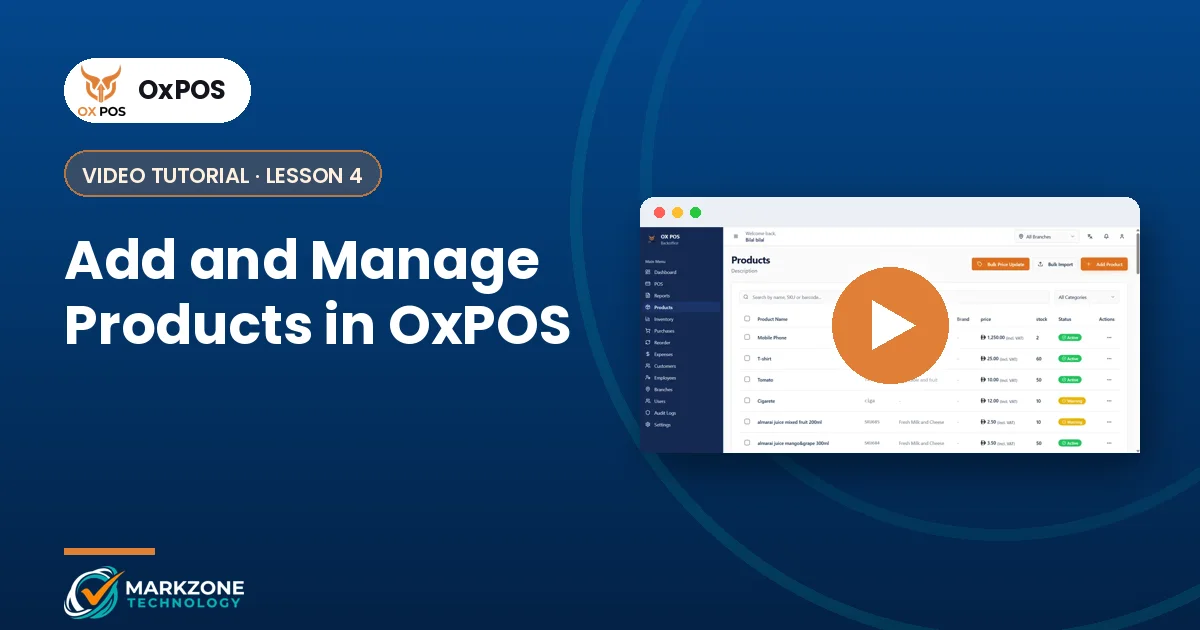
Add and Manage Products in OxPOS
Video tutorial: add products in OxPOS with SKU, price, category, brand and shelf, create size and colour variants, link barcodes and bulk import.
-
Lesson 5
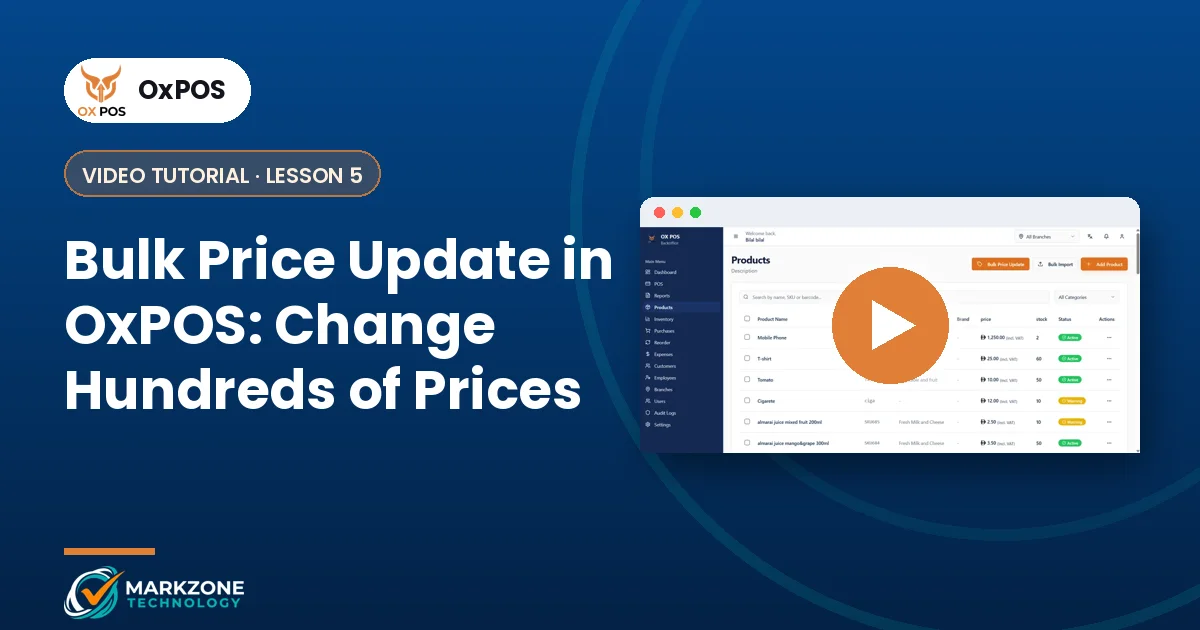
Bulk Price Update in OxPOS: Change Hundreds of Prices
Video tutorial: update prices in bulk in OxPOS by category, brand or selected products, by percentage or fixed amount, with a preview first.
-
Lesson 6
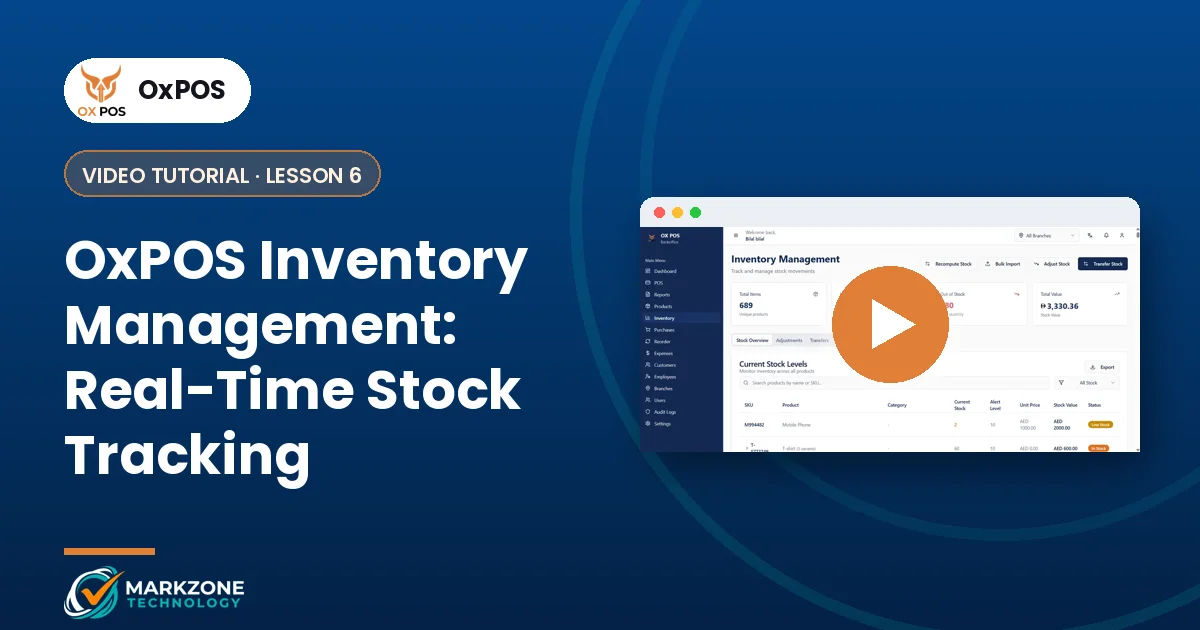
OxPOS Inventory Management: Real-Time Stock Tracking
Video tutorial: track stock in OxPOS with low-stock alerts, stock adjustments, transfers between branches, bulk import and total stock value.
-
Lesson 7
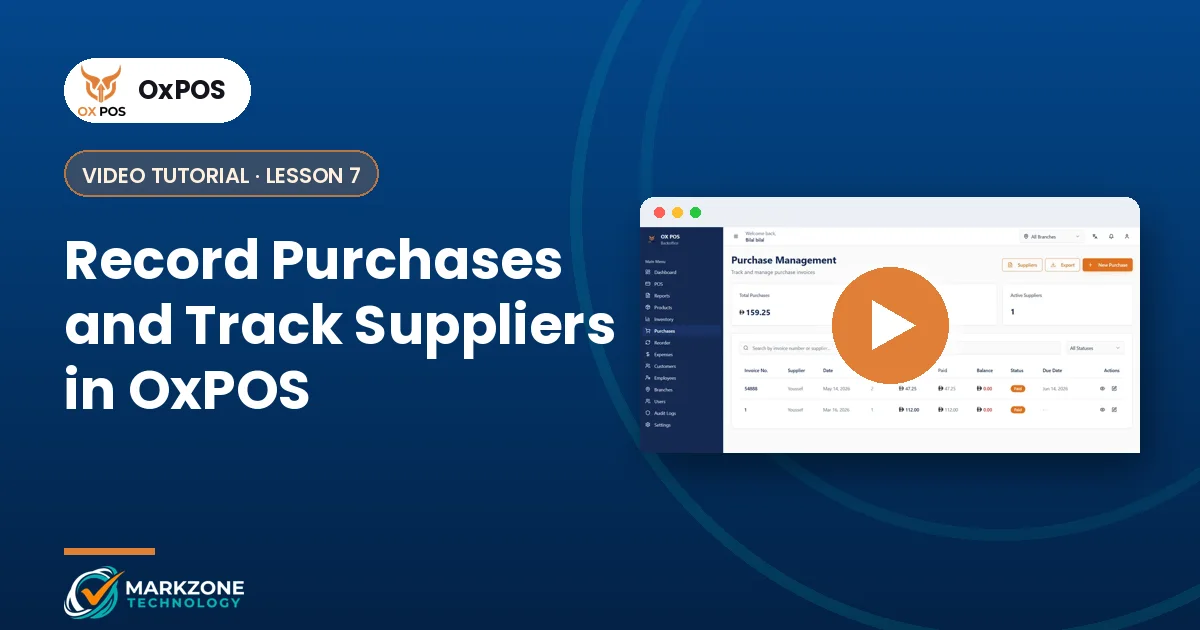
Record Purchases and Track Suppliers in OxPOS
Video tutorial: add suppliers in OxPOS, record purchase invoices, follow pending payments and let stock update automatically from purchases.
-
Lesson 8
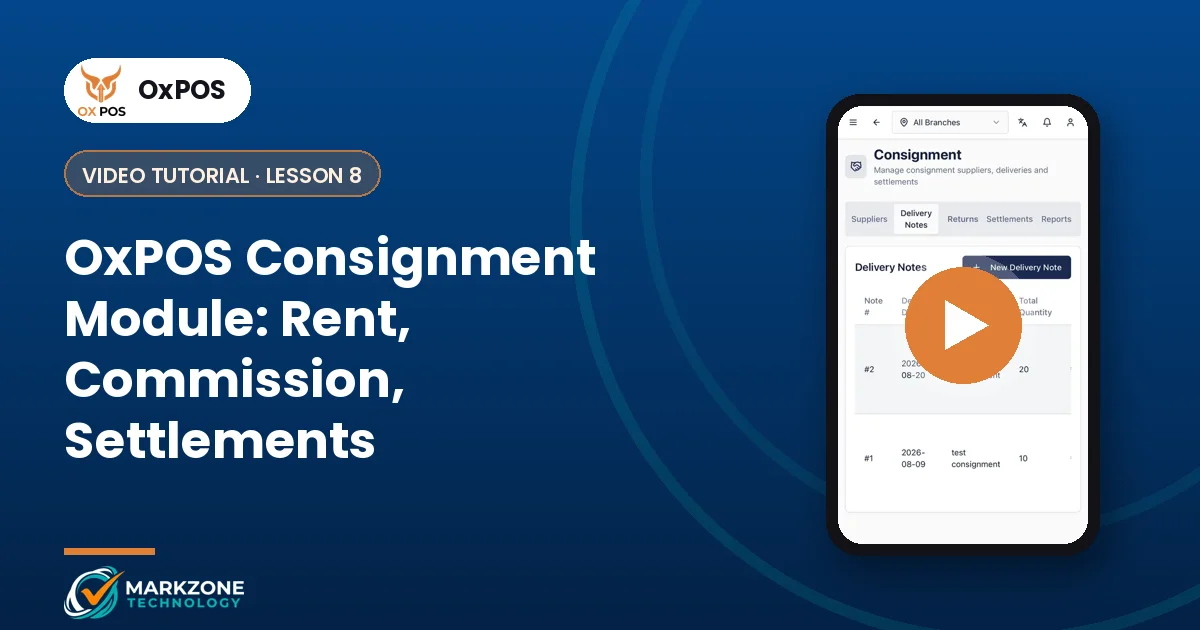
OxPOS Consignment Module: Rent, Commission, Settlements
Video tutorial: run a multi-vendor store with OxPOS consignment: vendor billing models, commission, monthly rent, VAT, delivery notes and settlements.
Staff & users
-
Lesson 9
OxPOS Staff: Employees, Salaries and Permissions
Video tutorial: manage employees in OxPOS, set salary, commission and maximum discount, give app access, record advances and pay salaries.
-
Lesson 10
Add a New User in OxPOS: Roles, Commission, Discount
Video tutorial: create an OxPOS user with a temporary password, custom cashier role, salary, commission and discount limit, then log in with company code.
-
Lesson 11
Employees vs Users in OxPOS: What’s the Difference?
Video tutorial: when to add someone as an employee, a user or both in OxPOS, plus salary advances, salary payments and automatic commission.
-
Lesson 12
Change or Reset a User Password in OxPOS
Quick video tutorial: reset a staff member’s OxPOS password from the dashboard, or change your own password from the My Account page.
Expenses, branches & reports
-
Lesson 13
Track Daily Business Expenses in OxPOS
Video tutorial: record shop expenses in OxPOS, organise them by category, set recurring expenses such as rent, add VAT and follow totals live.
-
Lesson 14
Manage Multiple Branches from One Place in OxPOS
Video tutorial: add branches in OxPOS, link products and stock to each branch, transfer stock between branches and compare branch figures.
-
Lesson 15
OxPOS Reports: Sales, Stock and VAT Explained
Video tutorial: read OxPOS sales summary, stock, financial, VAT, operations, customer and supplier reports, and export them as PDF.
TexPOS video tutorials
Tailoring shop management, step by step: orders, measurements, job orders and customer files.
TexPOS: 1,000 AED first year, then 500 AED/year
Getting started
-
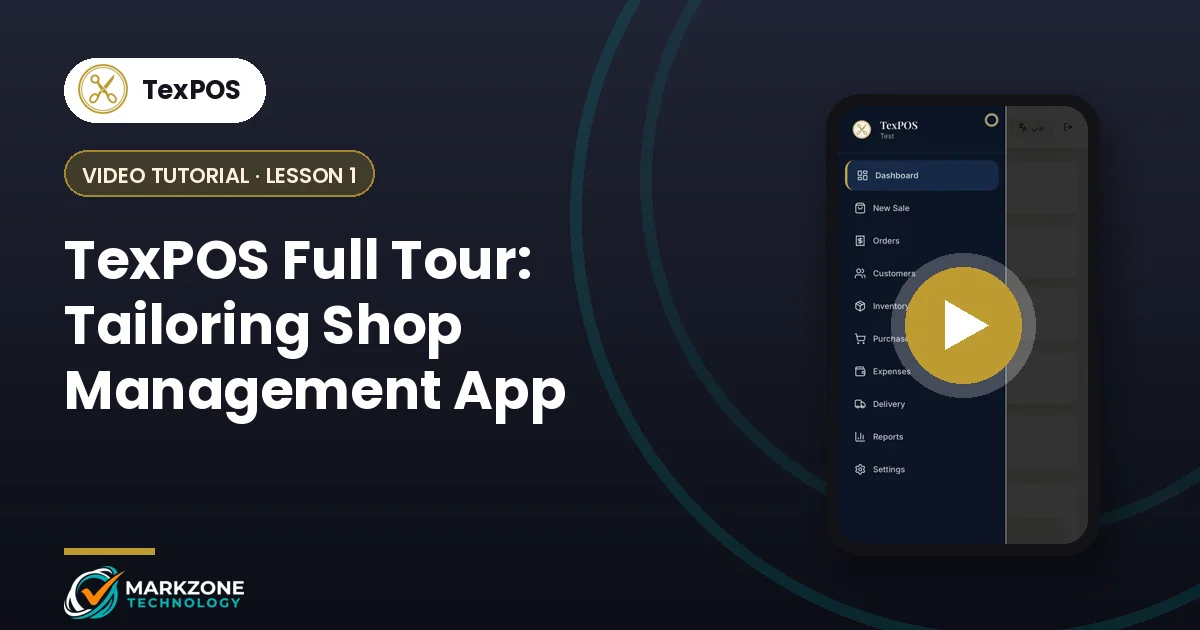
Lesson 1
TexPOS Full Tour: Tailoring Shop Management App
A complete video tour of TexPOS, the tailoring shop app: dashboard, new sale with measurements, orders, customers, stock, purchases and reports.
Orders & customers
-
Lesson 2
TexPOS Sales Screen: Record a Tailoring Order
Step-by-step video: record a tailoring order in TexPOS, with customer, measurements, fabric, lining, buttons, deposit, invoice and job order.
-
Lesson 3
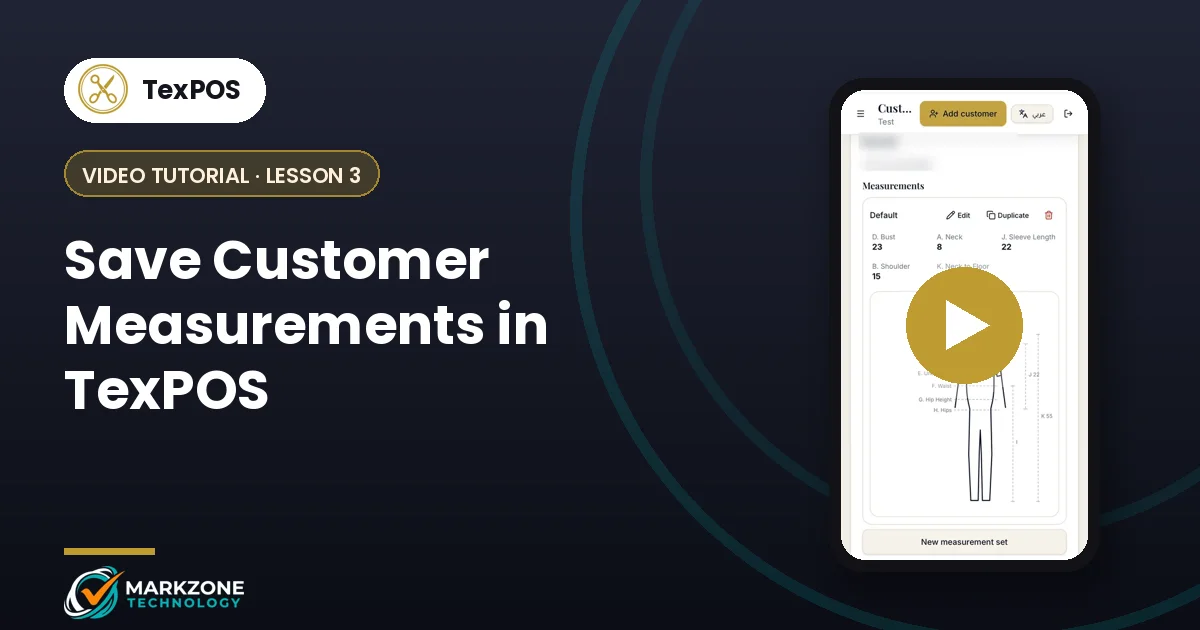
Save Customer Measurements in TexPOS
Video tutorial: add customers in TexPOS, save several measurement sets on a body diagram, contact them on WhatsApp and see balances due.
Can’t find the tutorial you need?
Our UAE team answers on WhatsApp, daily 10 AM – 10 PM (Sunday off).
Ready to get your business organized?
Tell us what you sell and how you work. We’ll show you the right app on WhatsApp, same day.