OxPOS Inventory Management: Real-Time Stock Tracking
Video tutorial: track stock in OxPOS with low-stock alerts, stock adjustments, transfers between branches, bulk import and total stock value.
Disorganised stock costs money: items run out without warning, extra stock ties up cash, and nobody knows the real value on the shelves. This four-minute lesson shows how OxPOS gives you an accurate picture of your stock at any moment.
What this video covers
- The Inventory Management dashboard and how to read its figures
- The current stock level for every product
- Low Stock and Out of Stock alerts
- Adjust Stock for corrections after a count or damage
- Transfer Stock between branches
- Bulk import for stock
- The total value of your stock in AED
Step by step
- Open Inventory Management. The summary shows how many products you have and which need attention.
- Review the alerts. Low Stock and Out of Stock lists are your reorder list.
- Adjust stock when needed. After a stock count, a damaged item or a correction, adjust the quantity so the system matches the shelf.
- Transfer between branches. If one branch has extra stock, transfer it to a branch that needs it.
- Use bulk import to load opening quantities for many products at once.
- Check the stock value. Total stock value in AED helps you understand how much cash is sitting on the shelves.
Tips
- Count one category a week. Small, regular counts are easier than one big annual count.
- Always adjust, never ignore. If the shelf and the system disagree, correct it straight away.
- Link purchases to stock. When you record purchase invoices in OxPOS, stock updates automatically.
Preparing for a busy season? Our Ramadan inventory preparation guide has practical ideas.
Next lesson
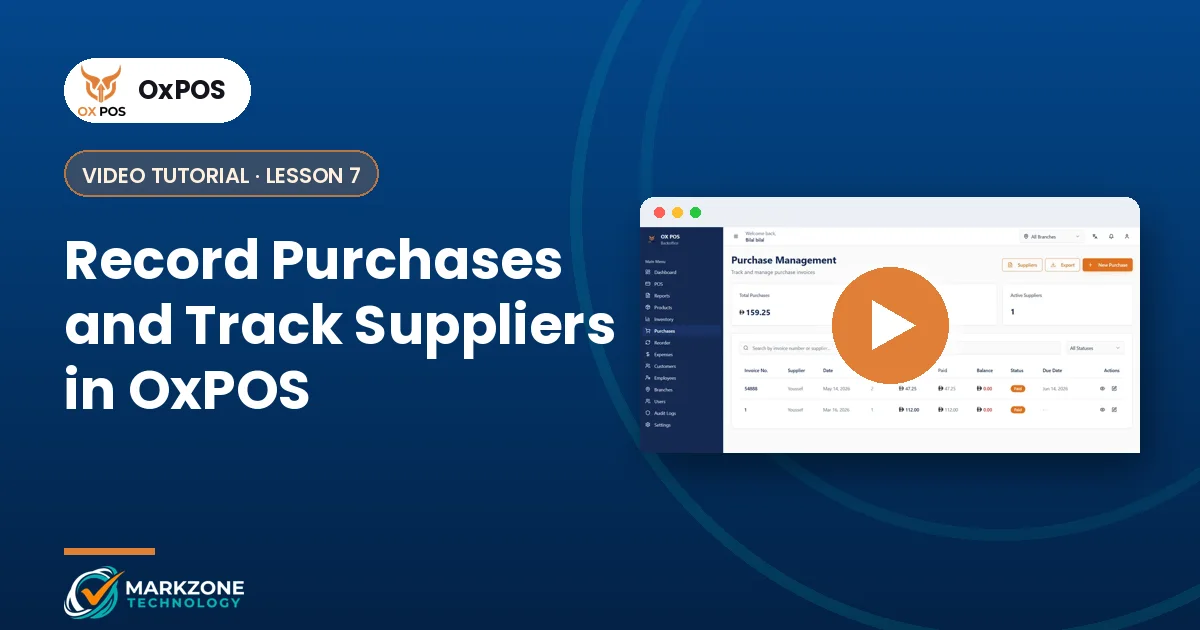
Learn how to record purchases and follow up with suppliers. All lessons are on the video tutorials page.
Need help with your first stock count in OxPOS? Message our UAE team on WhatsApp.