OxPOS Staff: Employees, Salaries and Permissions
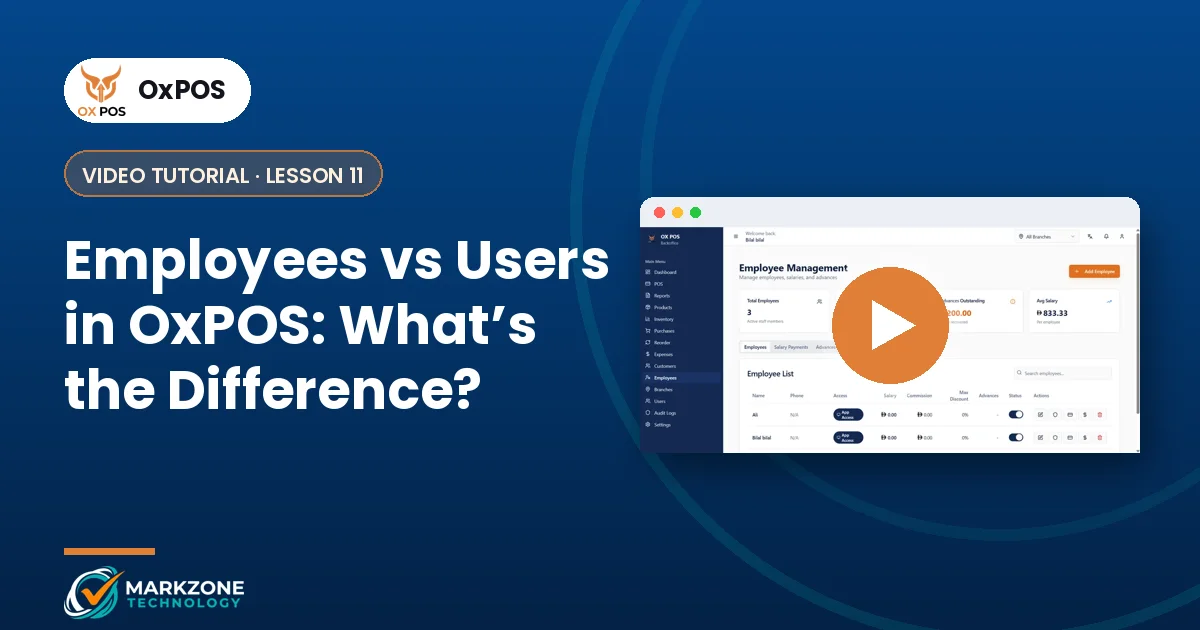
Video tutorial: manage employees in OxPOS, set salary, commission and maximum discount, give app access, record advances and pay salaries.
Your team is your most valuable asset, and keeping their details, pay and access organised protects both them and your business. This lesson shows the employee tools in OxPOS, where salaries and expenses sit in the same system as your sales.
What this video covers
- The Employee Management dashboard and its indicators
- Adding a new employee
- Setting salary and commission for each employee
- The maximum discount each person can give
- App access permissions
- Managing advances
- The salary payments record
- Activating or deactivating an employee
Step by step
- Open Employee Management and review the summary.
- Add an employee. Enter their details and monthly salary.
- Set commission. If they earn commission on sales, enter the rate.
- Set the maximum discount. This protects your margins at the counter.
- Decide on app access. Give access only to staff who need to log in, such as cashiers.
- Record advances when an employee takes money ahead of payday.
- Pay salaries. Record each payment so the history is clear.
- Deactivate leavers instead of deleting them, so their history stays in your reports.
Tips
- Match access to the job. Not every employee needs to log in. The next lessons explain the difference between employees and users.
- Review commission monthly with the employee, using the report.
- Deactivate access immediately when someone leaves.
For more on fair commission tracking, read staff commission tracking and compliance.
Next lesson
Learn how to add a new user with permissions and a discount limit. All lessons are on the video tutorials page.
Want help setting up your team’s roles? Message our UAE team on WhatsApp.