TexPOS Full Tour: Tailoring Shop Management App
A complete video tour of TexPOS, the tailoring shop app: dashboard, new sale with measurements, orders, customers, stock, purchases and reports.
If you run a tailoring shop, most of your day is spent between the counter and the tailor: taking measurements, writing orders, chasing deposits and checking which kandura is ready. This eight-minute tour walks through every main screen of TexPOS, so you can see how the whole shop fits into one app before going deeper into each screen.
What you will see in this tour
The video follows the order a shop owner actually works in:
- The dashboard. Today’s sales and open orders appear as soon as you log in, so you know where the shop stands at a glance.
- A new sale. You pick a customer, record or reuse their measurements, and choose whether the item is custom-made or ready-made.
- Orders. Every order has a status, so you can follow each garment from cutting to collection.
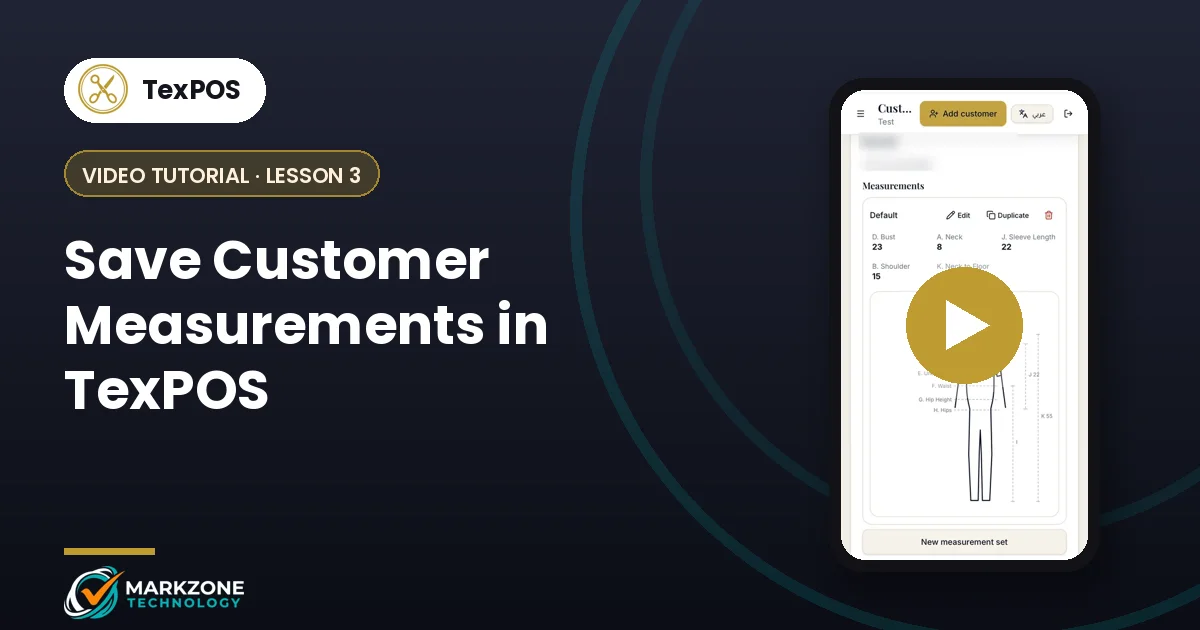
- Customer files. Each customer keeps their details, saved measurements and order history in one place.
- Stock. Models, fabrics and accessories are tracked, with fabric by the metre and items by the piece.
- Purchases and expenses. Supplier purchases and daily shop costs are recorded next to your sales.
- Reports, settings and branches. Sales and profit reports, staff permissions and multi-branch settings finish the tour.
Why a tour first
Most tailoring shops start with the same problem: measurements and order details get lost between the counter and the tailor, which leads to mistakes and remakes. Seeing the full flow once helps you and your staff understand how an order moves through the app, from the first measurement to the final invoice sent by print or WhatsApp.
It also helps you decide where to start. Many shops begin with customers and measurements, then add stock and purchases once the team is comfortable.
Tips before you start
- Set up your customer list early. Once measurements are saved, every future order takes a fraction of the time.
- Give each staff member their own access. TexPOS supports staff permissions, so the counter team sees only what they need.
- Keep deposits in the app, not on paper. Partial payments, deposits and overdue amounts are tracked for every order.
Next lessons
Continue with the TexPOS sales screen tutorial to record a full tailoring order step by step, then learn how to save customer measurements. You can find every lesson on the video tutorials page.
Want to see TexPOS running in your own shop? Message us on WhatsApp and our UAE team will set it up with you, usually in under two hours.